
Puzzle · Web

Chalkline

By Partech Systems

One stroke. No lifting. No going over a line twice.

Draw every line of the picture in one stroke, without lifting your finger.

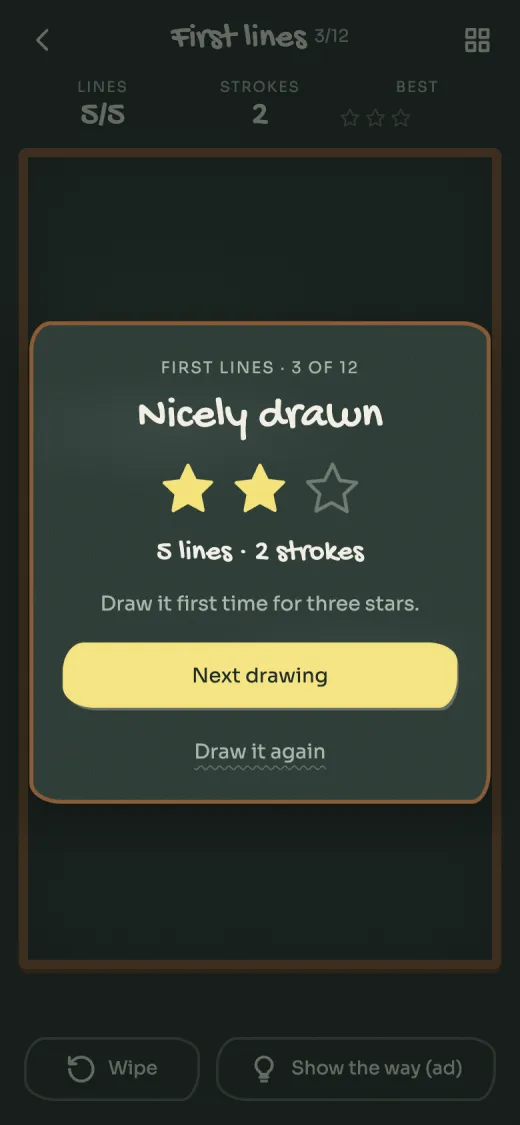
Chalkline drawing complete card with three stars, eight lines in one stroke
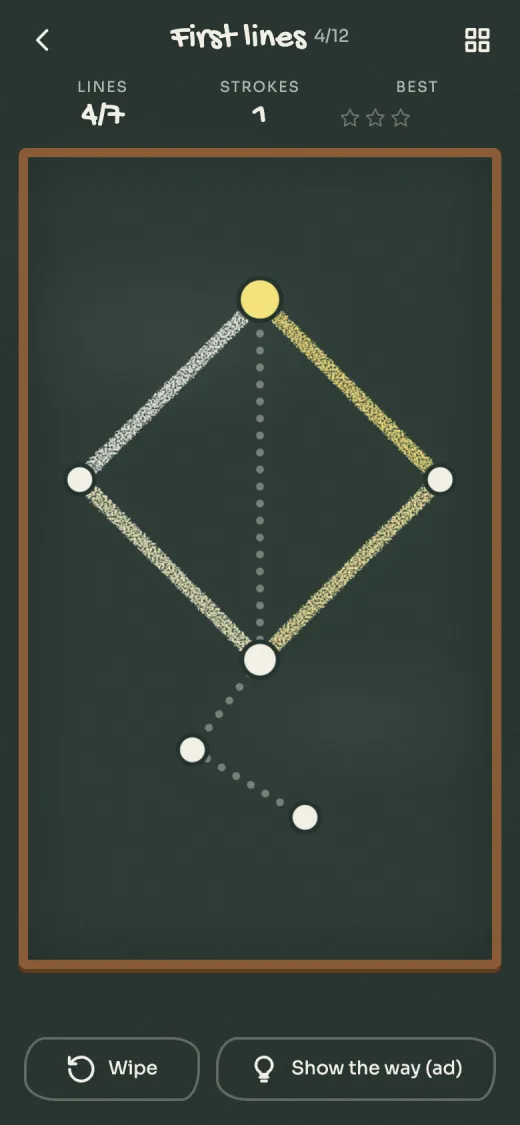
Chalkline on a green school slate, a drawing half done in white and yellow chalk with dotted lines still to trace
Why it’s different

What makes Chalkline different

One stroke

Start on any dot and draw over every line. Lift too soon and the board is wiped.

Find the right start

Some pictures only work from one or two dots. Count the lines at each dot to find them.

Arrows and double lines

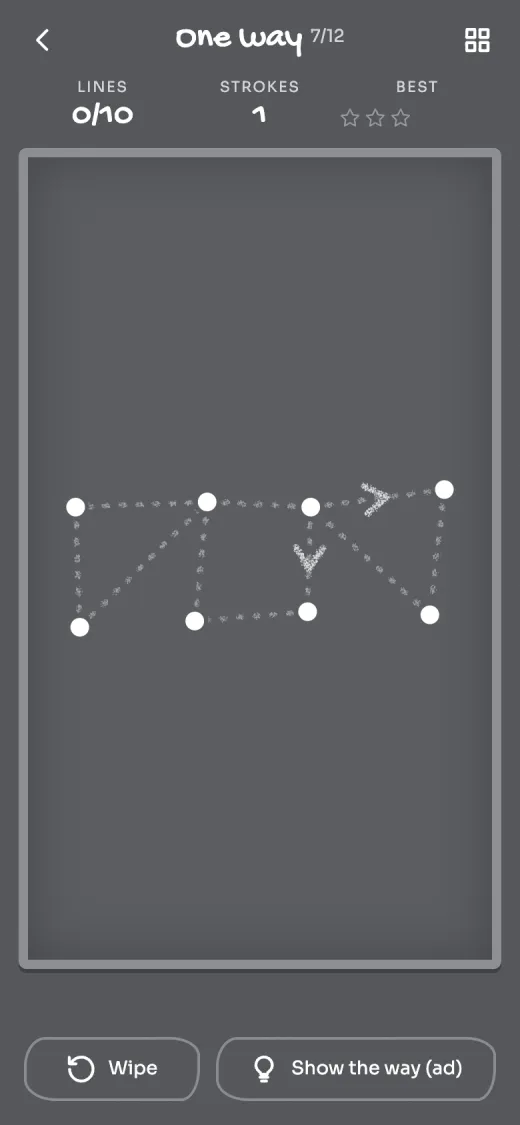
Later chalkboards add one-way lines and lines you have to draw twice.

Three boards

A school slate, pavement chalk on tarmac or white pastel on kraft paper. Switch any time in Settings.

See it

A closer look

Chalkline on a green school slate, a drawing half done in white and yellow chalk with dotted lines still to trace
Chalkline drawing complete card with three stars, eight lines in one stroke
Chalkline in the Pavement look, one-way chalk arrows on grey tarmac
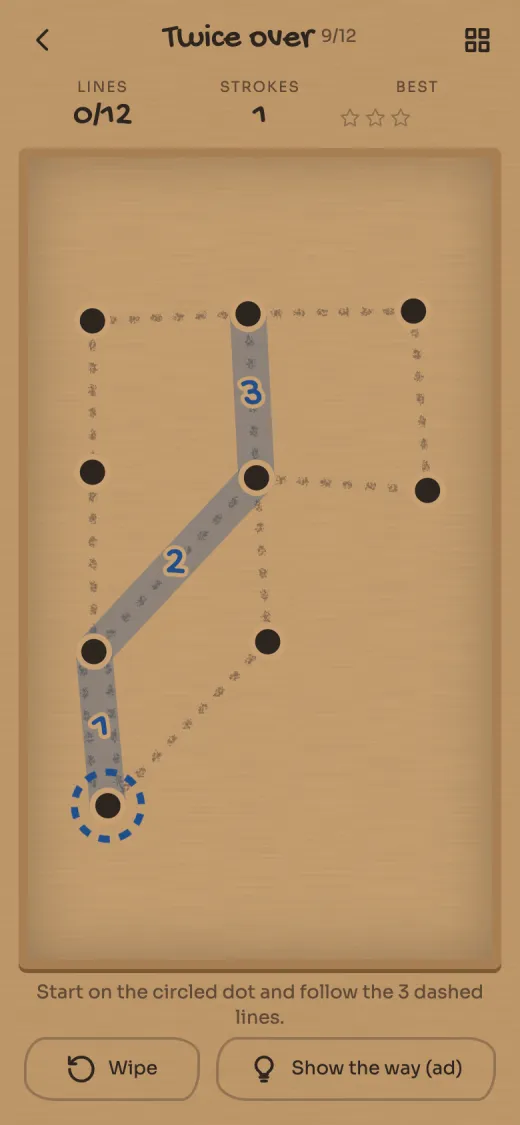
Chalkline in the Kraft paper look, a hint numbering the first three lines of the way through
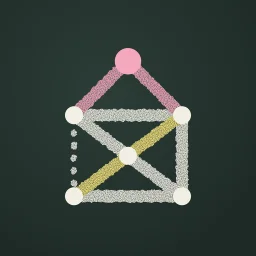
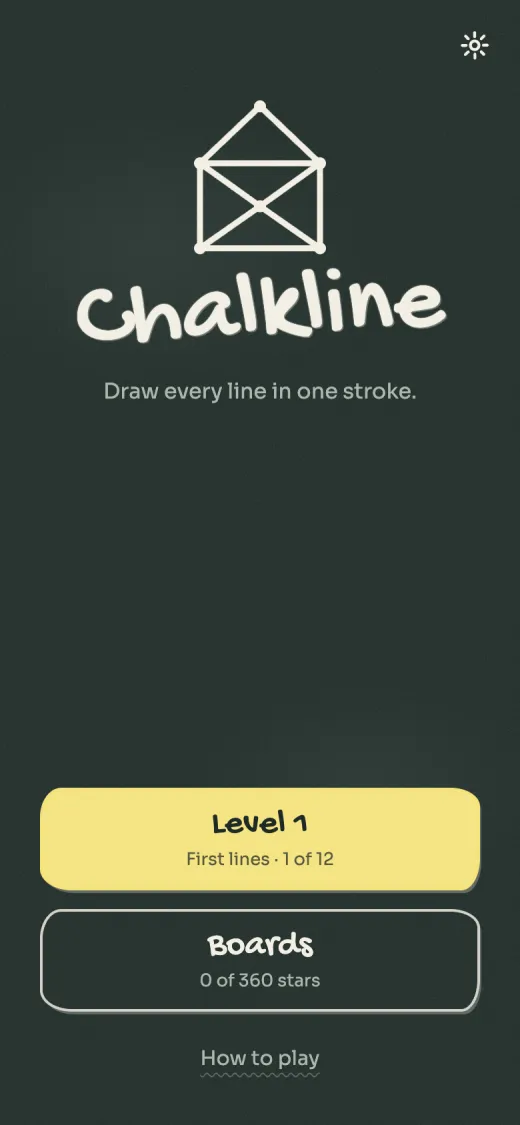
Chalkline title screen, a chalk house drawn in one line
How it plays

Chalkline is a one-stroke drawing puzzle. Every level is a chalk picture of dots and lines. Put a finger on a dot and draw over every line without lifting it and without going over any line twice.

It starts gently, with a tick, a triangle and the old house you draw without lifting the pen. Then the pictures grow, and you learn where a stroke has to start. Later chalkboards add arrows you can only follow one way and double lines you have to draw twice. There are 500 drawings on 25 chalkboards.

Draw a picture clean on the first stroke for three stars. Went the wrong way? Go back along the line to rub it out. Stuck? "Show the way" circles where to start and numbers the next few lines.
Tips

How to play well

  1. Start on an odd dot

    Count the lines that meet at each dot. If two dots have an odd number, start on one of them and you will finish on the other. A double line counts as two.

  2. Back up, don't lift

    Going back along the line you just drew rubs it out and costs nothing. Lifting your finger, or tapping Wipe, clears the board and counts as another stroke.

  3. Hints don't cost stars

    Stars only count strokes. One clean stroke earns three stars, up to three strokes earns two, so using Show the way and then drawing it first time still gets three.

  4. Take hints a bit at a time

    Each Show the way circles the start dot and numbers roughly another quarter of the route. Often the first one is enough to get you going.

  5. Replay for more stars

    Any finish opens the next drawing. You can go back to a drawing from Boards at any time, and only your best star count is kept.

Questions

Asked and answered

Is Chalkline free? Are there ads?

Yes, it's free. There are no banner ads. From your tenth finished drawing an ad may appear between drawings, at most once every ten drawings and never within five minutes of the last one. Show the way plays a short ad that you choose to watch.

Can I play without an internet connection?

Yes, in the Android app. All 500 drawings are built in. Ads need a connection, so Show the way won't work while you're offline.

Where is my progress saved?

On your phone, or in your browser if you play on the web. There's no account, so progress doesn't carry between devices. Uninstalling the app or clearing the site's data deletes it.

Is the browser version different from the Android app?

The drawings and rules are the same. In the browser, ads come from Google's H5 Games Ads, no usage statistics are sent, and there's no vibration setting. If no ad is available when you ask for a hint, you get the hint anyway.

How do I change the board or turn the sound off?

Open Settings from the title screen. Pick School slate, Pavement or Kraft paper, and turn Sound on or off. The app also has a Vibration switch.

Chalkline is made by Partech Systems Limited.

Privacy policy · Support · More games

Find a product